
Sparkel 2.0 is live.
AI that understands your construction drawings — and turns them into takeoff quantities you can trust.
Construction takeoff still starts with messy PDFs, uneven BIM, and a new revision every week. Tools either force you to click forever, or they break when the model isn’t perfect. Sparkel 2.0 is built for the drawings you actually get — and for the way teams (and agents) will take off going forward.
The idea in one line
Read construction drawings with AI. Land quantities in a live table. Keep them current when the drawings change.
Start free on PDF. Unlock full estimation on Standard. Add BIM on Pro.
What’s new in Sparkel 2.0
Autoshapes — AI that finds the quantities
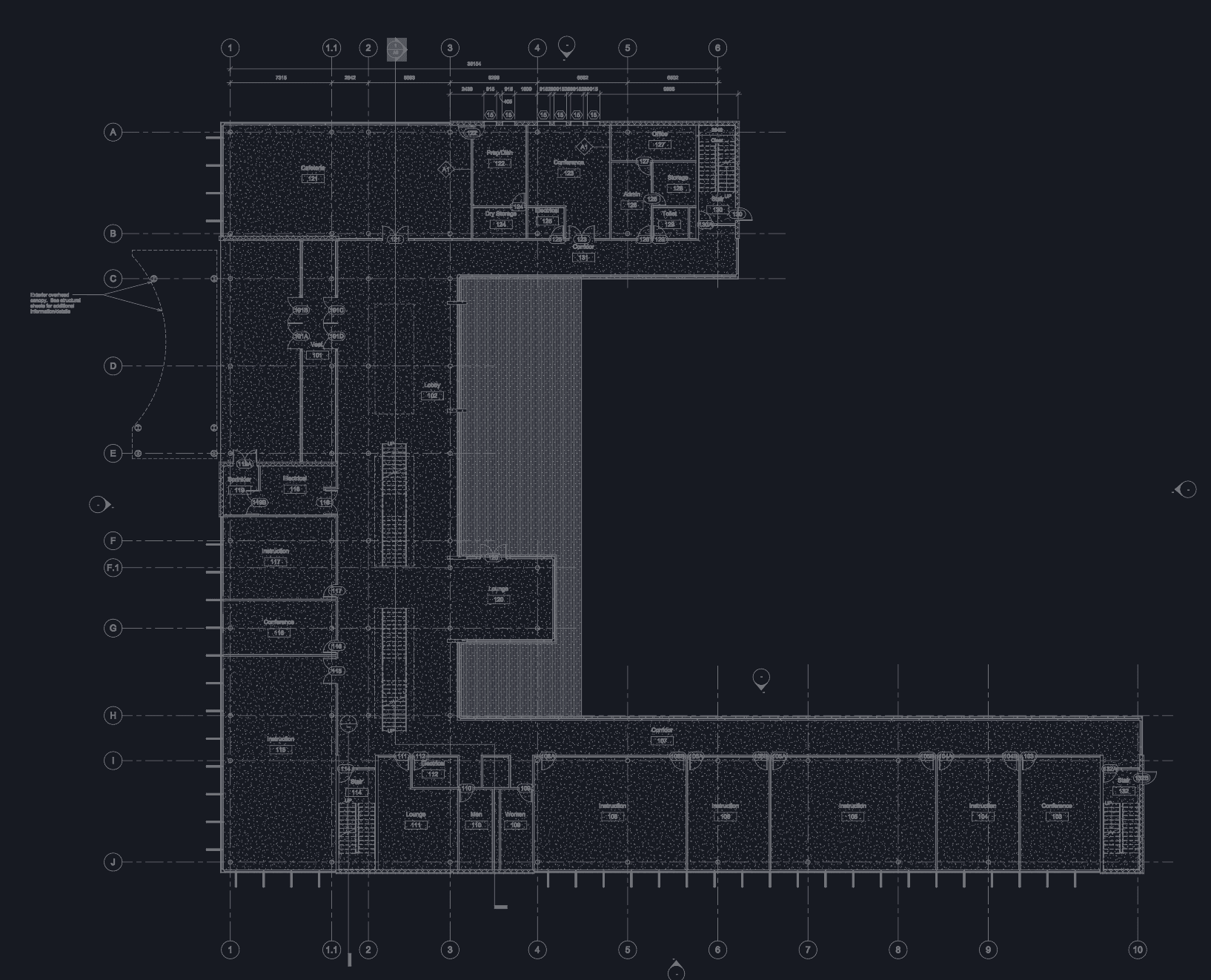
Point Sparkel at a floor plan or sheet. Autoshapes detect rooms, symbols, and zones, then resolve into live takeoff quantities. Automation first. Manual shapes when you need to fix an edge case.
Works on imperfect inputs — messy PDFs and poor-quality BIM alike.
PDF and BIM in one place
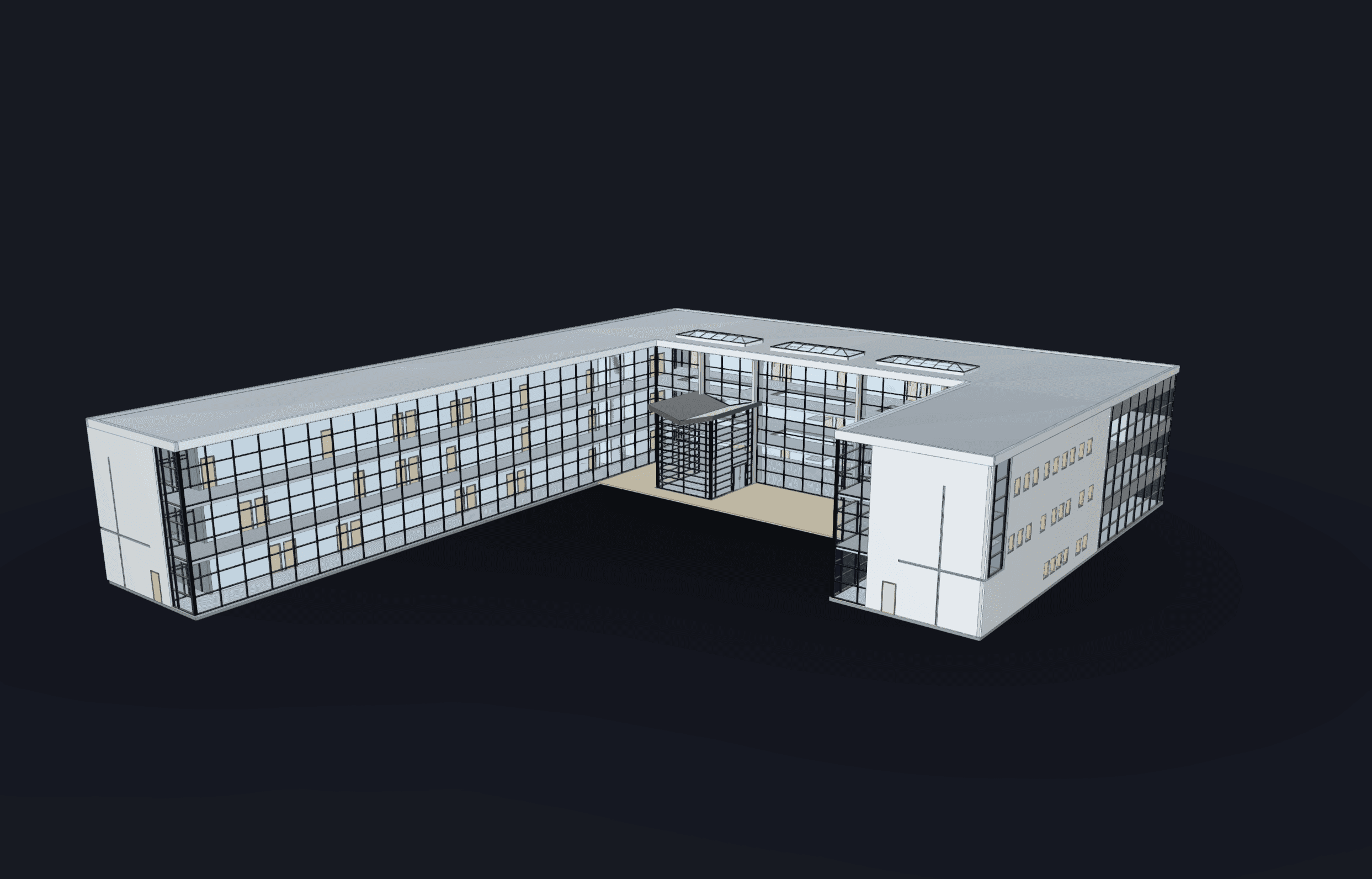
Most specialty work still starts from sheets. Models are often incomplete or structured the wrong way for your bid. Sparkel doesn’t make you choose: start on PDF, expand to IFC/Revit when you’re ready (Pro) — same workspace, same tables.
Revisions without redoing the takeoff
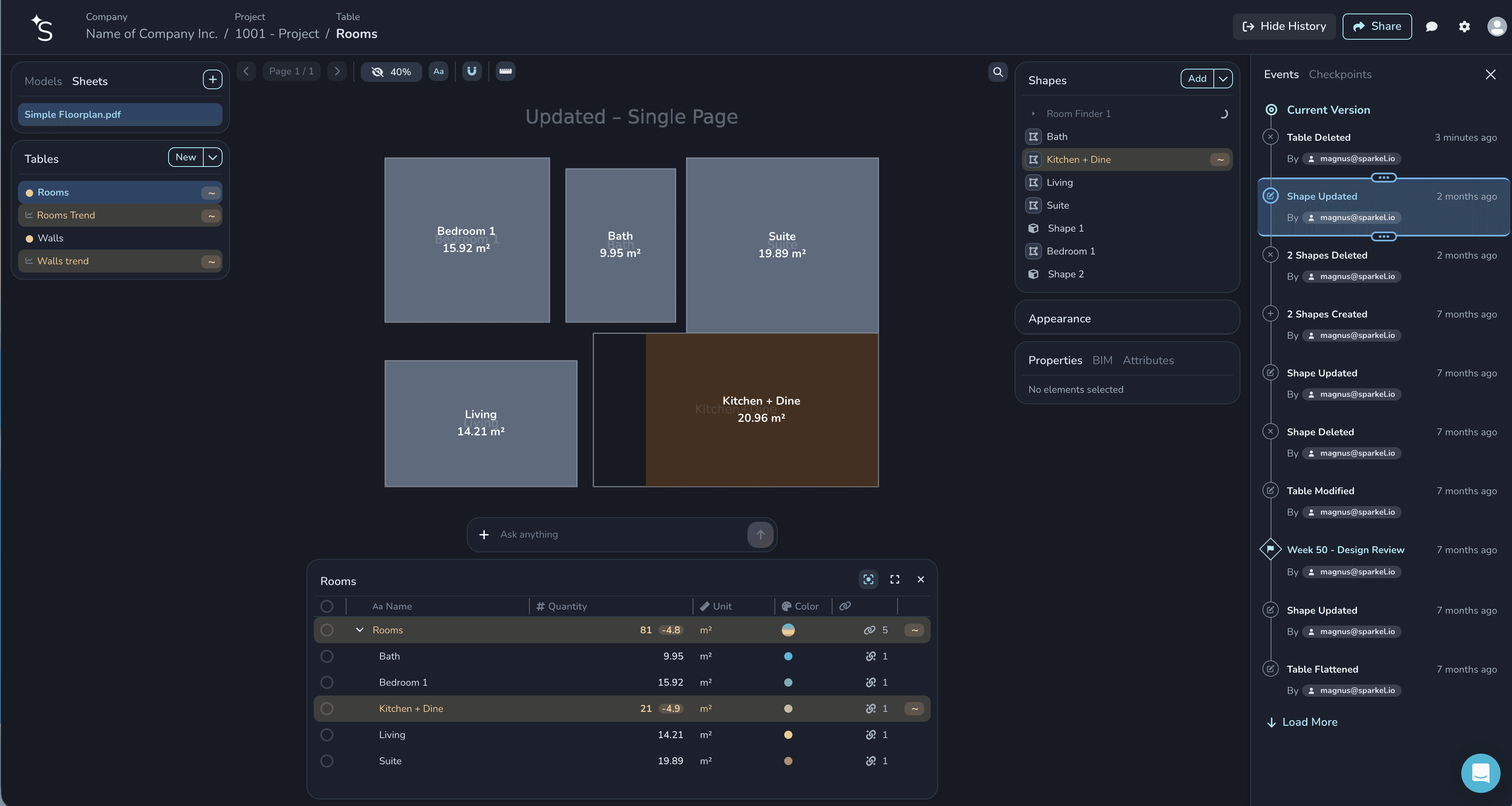
Projects aren’t static. Sparkel is built so a new drawing set doesn’t mean starting from scratch. Quantities stay live, with history, comparisons, and trends — so you can see what changed instead of re-tracing everything by hand.
(Project history available on Pro.)
Takeoff your way — tables that match your cost codes
Quantities live in structured tables and reports you can shape to your breakdowns — not a fixed WBS someone else invented. Export for the tender, or keep working in Sparkel.
Copilot and manual tools when you need control
Use Copilot to work in plain language when clicking is slower. Use Shapes when AI misses something — point, line, polygon — so the takeoff stays accurate without leaving the system.
Built for people and agents
The same takeoff workflow runs in the app or through an agent. Your team uses the UI. Agents connect via MCP (Model Context Protocol) at mcp.sparkel.ai — upload, Autoshape, resolve quantities, export.
Setup guide: sparkel.ai/mcp
For agents: sparkel.ai/llms.txt
Who Sparkel 2.0 is for
Specialty contractors and subs bidding from PDFs every week
GCs and quantity surveyors who need trusted quantities across messy models and revisions
Teams adopting AI agents who want takeoff in a real system — not chat on a PDF
If you consume drawings (not design them), Sparkel is built for you.
How pricing works (simple)
Plans are per company, not per user. Unlimited users and projects. Everyone shares one credit pool — credits meter AI-heavy work (like Autoshapes), not seats.
Plan | From | Best for |
|---|---|---|
Free | €0 | Start on PDF, try Autoshapes |
Standard | €39/mo | Full estimation — tables, reporting, collaboration |
Pro | €129/mo | BIM, history, API, more capacity |
Custom | Talk to us | Invoice, larger credit packs, rollout support |
Credit packs are available when you need more AI capacity without changing plan.
Card checkout for Standard and Pro. Need invoicing? Annual Pro or Custom.
Full detail: Pricing
What to try first
Create a free account and upload a floor-plan PDF
Run an Autoshape (rooms or symbols)
Open the quantities in a table and export
When you’re ready — invite the team (Standard) or add BIM (Pro)
Optional — connect MCP and run the same job from your agent
Get started
Sparkel 2.0 is live today.
Start free · See pricing · Book a demo
Questions about rollout, BIM, or a Custom plan? Book a meeting — we’re happy to help.
Optional CMS “FAQ” block (if your template supports it)
Is Sparkel only for PDFs?
No. Start free on PDF; Pro adds BIM (IFC & Revit). Same takeoff system.
Do I need perfect models?
No. Sparkel is built for messy drawings and uneven BIM.
Is this just ChatGPT on a drawing?
No. Sparkel is a takeoff system — Autoshapes, tables, history, export — with MCP when you want agents in the loop.
Is Autoshape an add-on?
No. Autoshapes are part of Sparkel 2.0 and use credits for AI work.

Magnus Nilsen
Founder