Sparkel MCP
MCP server URL
ChatGPT
Claude
Install with ChatGPT
1. Click your username at the bottom left (1), then click “Settings” (2).

2. Navigate to “Apps” (1) on the left sidebar, then click “Create app” (2).

4. Turn on “Developer mode” (1), then click “Create app” (2).

5. Add the Sparkel icon (1) (optional), name the app “Sparkel” (2), give it a description (3) (optional), use “Servel URL” “https://mcp.sparkel.ai” (4), “OAuth” Authentication (5), and tick off “I understand and want to continue” (6). Then click “Create” (7).

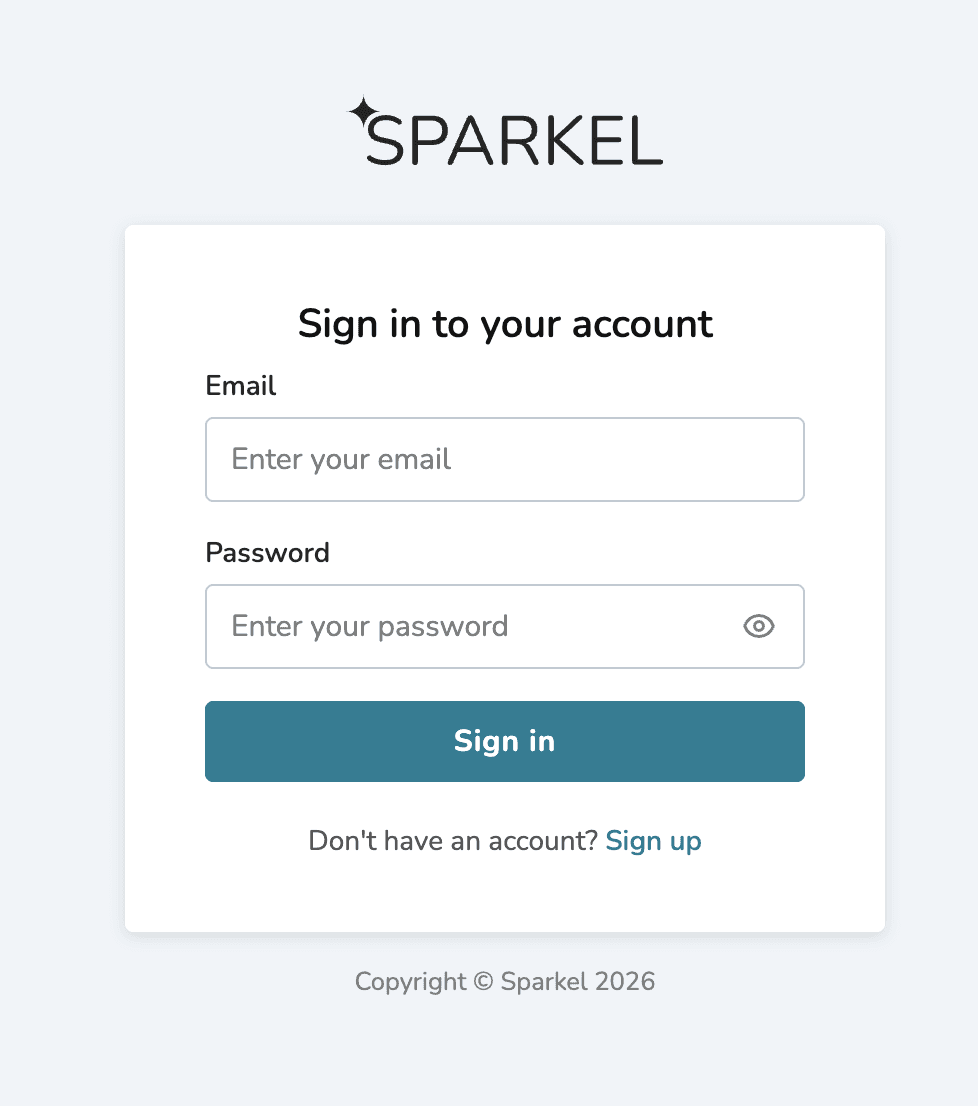
6. Click “Sign in with Sparkel”

7. Log in using your Sparkel account, or create a new one if you don’t have one.